Hot Swap Raspberry Pi Batteries
In a previous post I described how high capacity power tool batteries can be a great way to power microcontroller projects via USB.
This post describes how to use two such batteries with USB adapters and a ‘Y’ USB cable to hot swap the power source for a Raspberry Pi with interrupting the computer.
In many battery powered Pi, Arduino, etc. projects it is not a big deal to shutdown the device, swap in a new battery and power it up again. But for some remote monitoring projects you would rather not handle that interruption.
If you have two identical USB power sources and a ‘Y’ USB cable you can do this.
The cable that I used is a StarTech.com 3 ft USB Y Cable for External Hard Drive USB A to Micro B - there are a lots of alternatives available. These allow you to double up your power source is you need more than a single battery can provide.
NOTE that they are not intended to be plugged into two USB ports that can provide data - power only.
You also want to make sure that your two batteries are identical in terms of the voltage they are supplying. If they were not then there is the chance that current would flow from the higher voltage to the lower. But if you are using identical batteries like I do here this should not be an issue.
This approach is pretty simple, but here are the specific steps involved.
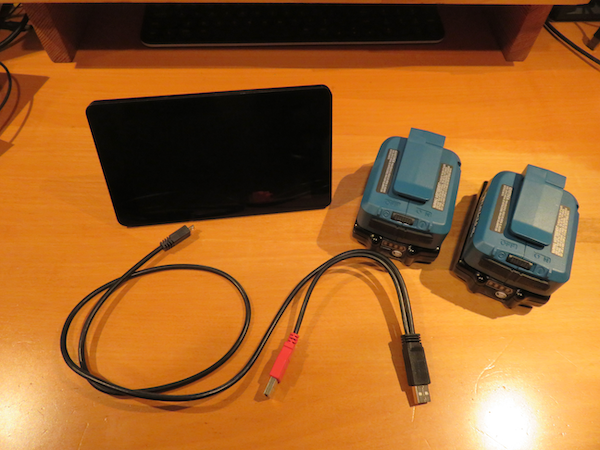
The setup that I am using includes a Raspberry Pi with the Pi HDMI display, the ‘Y’ USB cable, two Makita batteries and two Makita USB adapters. The adapters have an On/Off switch.
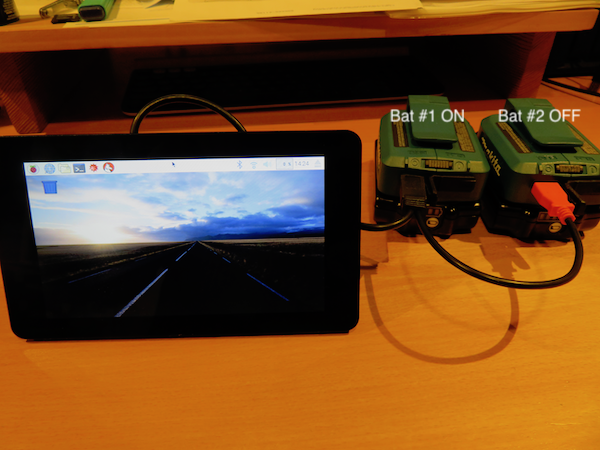
Here is the Pi up and running, powered by battery #1

Next Battery #2 is plugged in while off
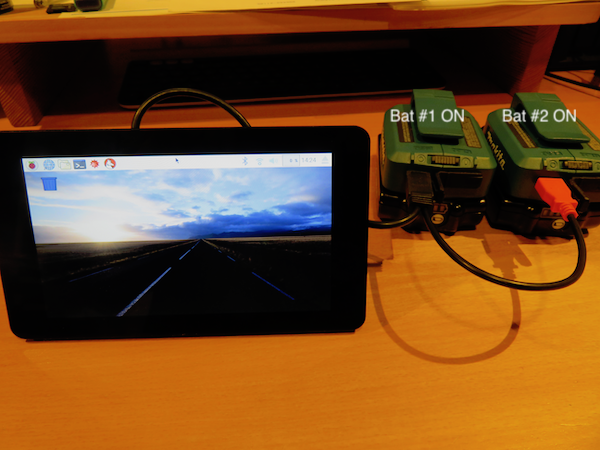
Battery #2 is turned on
Battery #1 is turned off
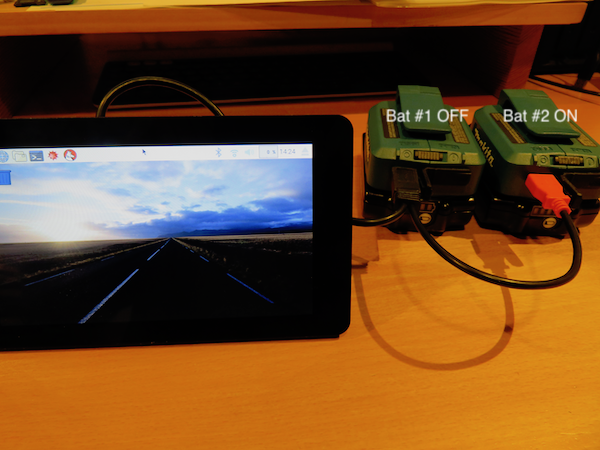
Battery #1 is unplugged
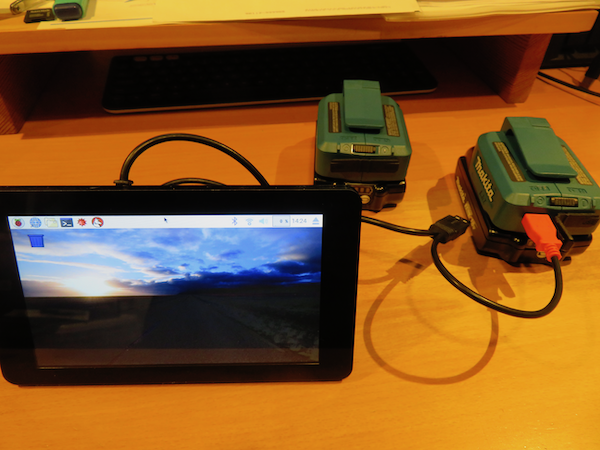
The Pi keeps running with no interruption.
Of course, you can keep swapping in fresh batteries for as long as you want.
Batteries aside, this is a $9 solution to an otherwise tricky problem.